Fix your AI MVP before your users judge it.

You shipped fast with Lovable, Bolt, Replit, Cursor or v0, and the product works. But it looks like every other AI-built app, new users don't know where to start, and it doesn't feel finished enough to pay for. UILift is a senior designer who fixes the design side of your MVP and hands back a Figma file and an implementation pack your AI tool can build from.

Signs your AI MVP needs fixing

  • It looks like every other AI app: The same shadcn components, gradient hero and card grids as thousands of other launches, so nothing says it's yours.

  • New users don't know what to do first: No clear primary action, and onboarding that drops people into an empty screen.

  • Screens don't match each other: Spacing, buttons and type drift from page to page after rounds of AI patches.

  • The dashboard is a wall of equal cards: Everything has the same weight, so users can't tell what matters.

  • It doesn't feel safe to pay for: Pricing, checkout and settings look unfinished, and that's where people hesitate.

  • Mobile is an afterthought: Cramped tables, tiny tap targets and layouts that only really work on a laptop.

What UILift fixes

The design and product side of your MVP.

  • Visual identity: type, colour and a component style of your own
  • Layout and hierarchy, with one clear action per screen
  • Onboarding, sign-up and other key flows
  • Dashboards and data-heavy screens
  • Mobile layouts that actually work
  • A small, consistent design system your AI tool can reuse

What it doesn't

If your MVP is broken in code, get it stable first. Once it works, UILift makes it look like a real product.

  • Bugs, crashes or broken features
  • Auth, databases or payment wiring
  • Security reviews or performance work
  • Deployment and hosting

How the fix works

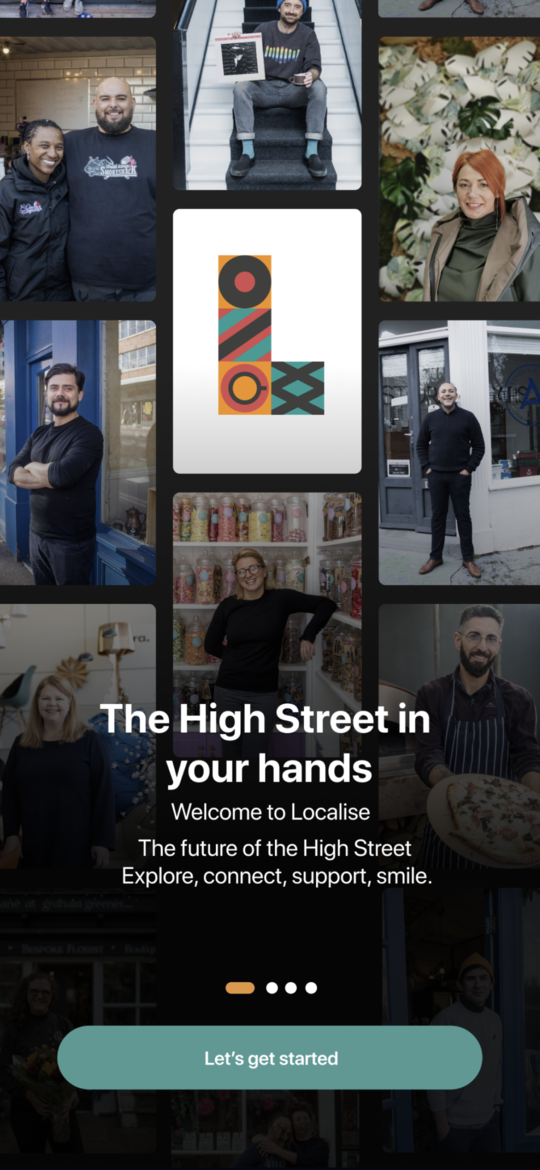
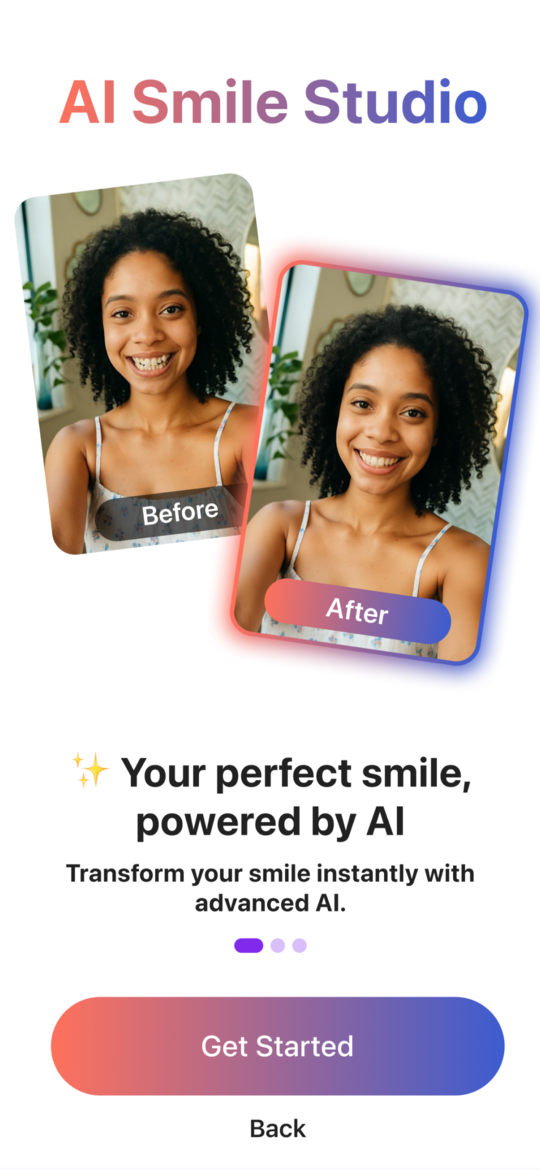
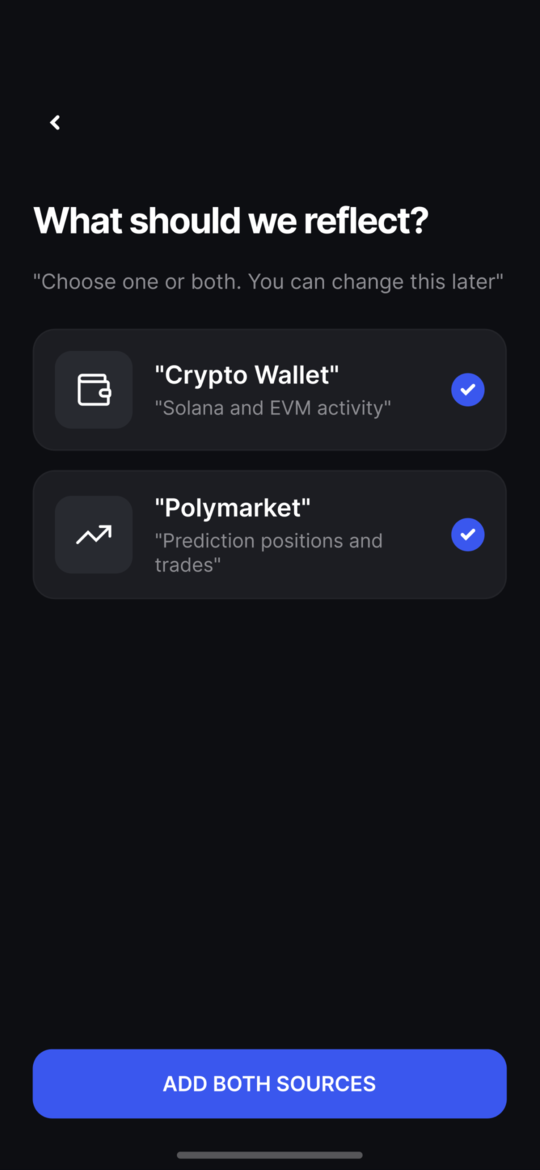
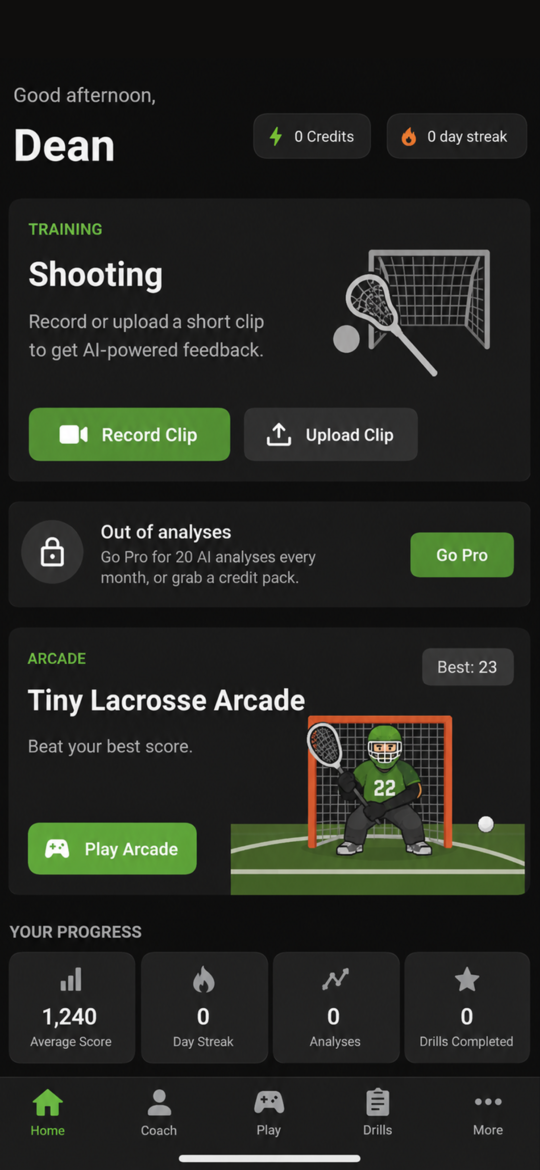
AI-built MVP screen before redesign
01

Send your MVP

Share a live link, screenshots or a Figma file, and tell us which screens matter most and what isn't working.

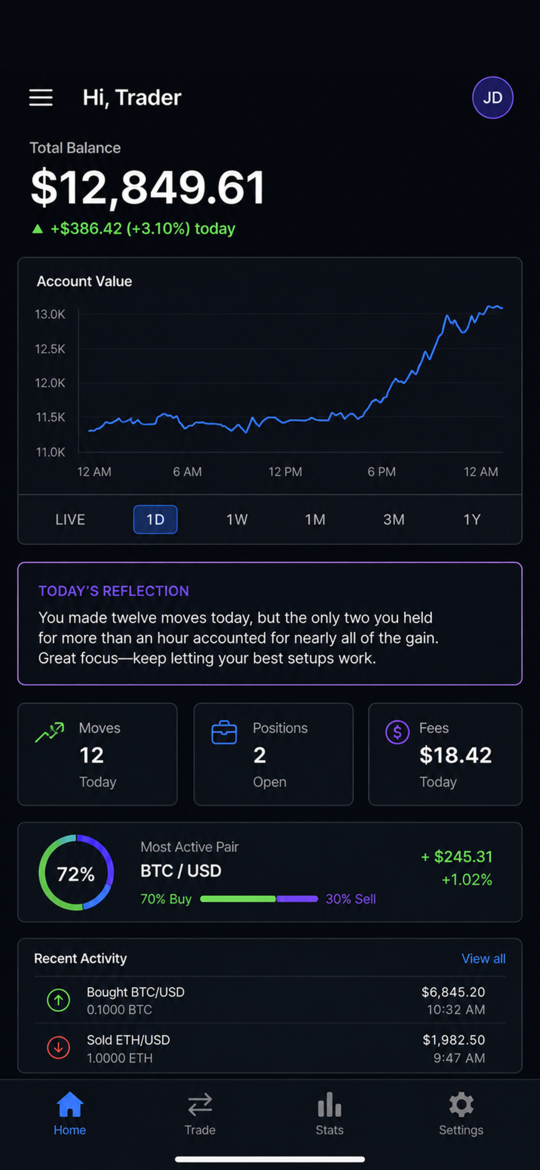
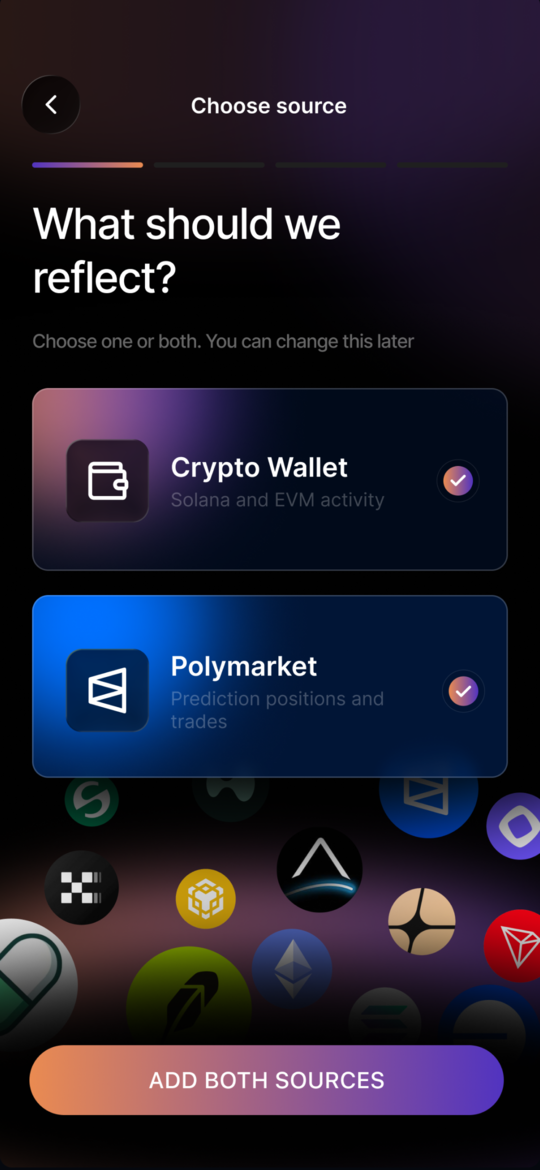
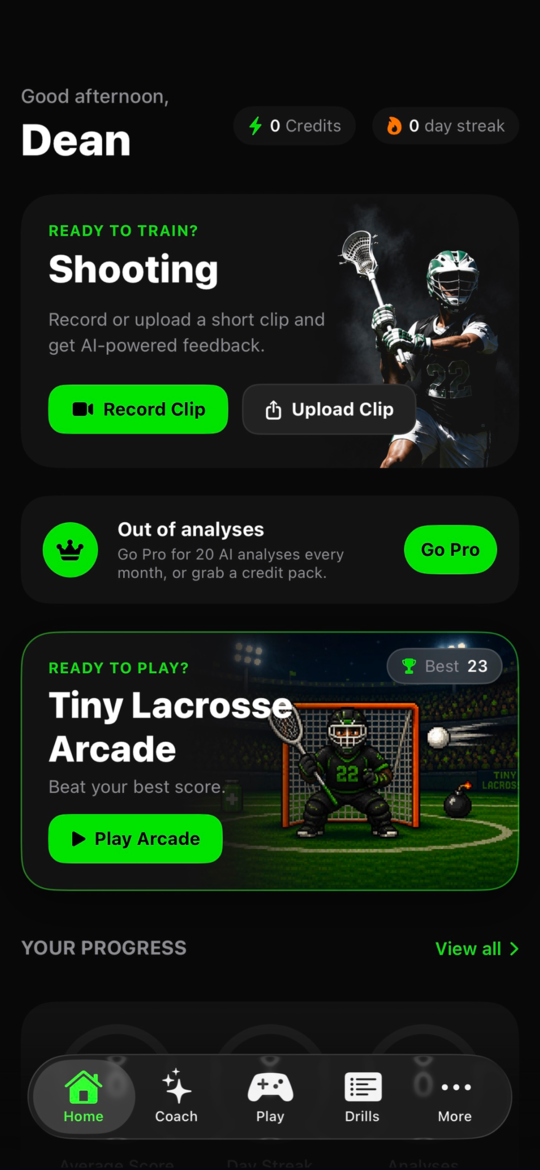
The same screen after a senior UI redesign
02

We fix the design

Hierarchy, flows, onboarding and visual direction are reworked across the screens in scope, by a senior designer.

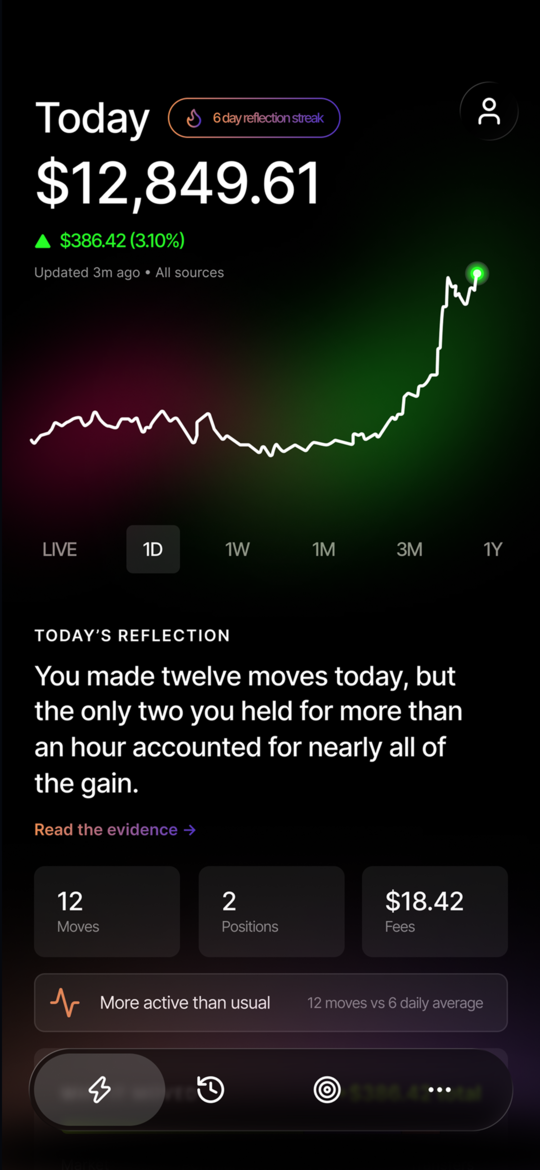
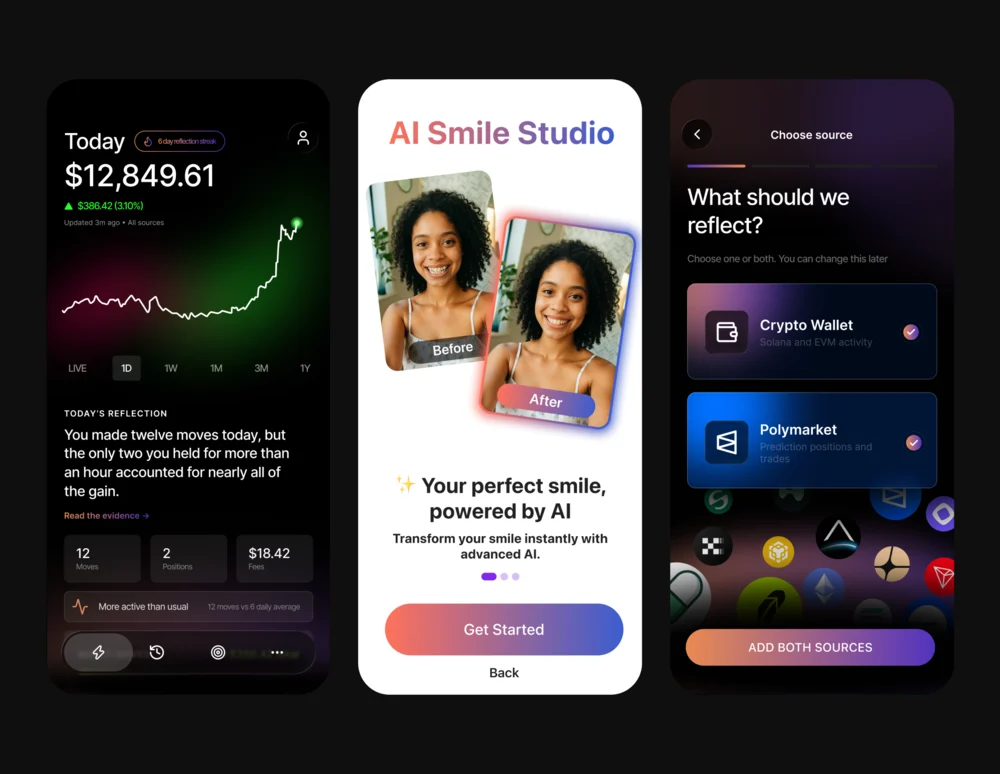
Example of polished, launch-ready app UI
03

Your AI tool builds it

You get the screens in Figma plus an implementation pack your coding tool can follow. No rebuild, and we never touch your code.

Keep your code. Fix how it looks and feels.

The receipts

AI MVPs, before and after.

Flat AI output on the left, the uplift on the right.

Fixes for every AI builder

Each tool leaves its own fingerprints. See what we fix for yours.

Fixed price, fixed scope

What should we uplift?

Start with the screens that matter most: onboarding, the dashboard, pricing.

7 Days Delivery

App / Dashboard Screens

Human-led UI redesign for app and dashboard screens.

Rush delivery (4 days): +$350.

App and dashboard screen design examples

STARTING PRICE

$749USD

App / Dashboard pricing

  • 1–3 screens — $749 USD
  • 4–6 screens — $1,249 USD
  • 7–9 screens — $1,749 USD
  • 10–12+ screens — $2,348 USD

Your design handoff

  • Redesigned UI in Figma
  • Implementation pack
  • 7 days delivery

Need App Store screenshots or ongoing design? See all pricing

Good to know

Fixing an AI MVP: questions

Straight answers about what gets fixed, what doesn't, and how the design gets back into your product.

Can you fix the bugs or code in my AI MVP?

No. UILift fixes the design and product side: UI, layout, flows, onboarding and visual identity. If features are broken or the app is unstable, get a developer to fix that first. Once it works, UILift makes it look and feel like a finished product.

Do I need to rebuild my MVP?

No. We redesign the screens you already have and return them in Figma with an implementation pack. Your AI coding tool can apply the changes screen by screen, without starting over.

Which AI tools do you work with?

Lovable, Bolt, Replit, Cursor, Claude Code and v0, plus hand-coded MVPs. Screenshots, a live link or a Figma file are all fine as a starting point.

Who actually does the design?

Dean Martin, a senior product and UI designer working since 2005. UILift isn't a marketplace or a junior team.

How long does it take?

App and dashboard screen redesigns take 7 days. A 4-day rush option is available for an additional $350.

How much does it cost?

App and dashboard packages are $749 for 1–3 screens, $1,249 for 4–6, $1,749 for 7–9, and $2,348 for 10–12+ screens.