What's included
Design work, delivered in Figma.
- Sign-up and welcome screens
- Setup steps and permissions
- Empty states and first-run guidance
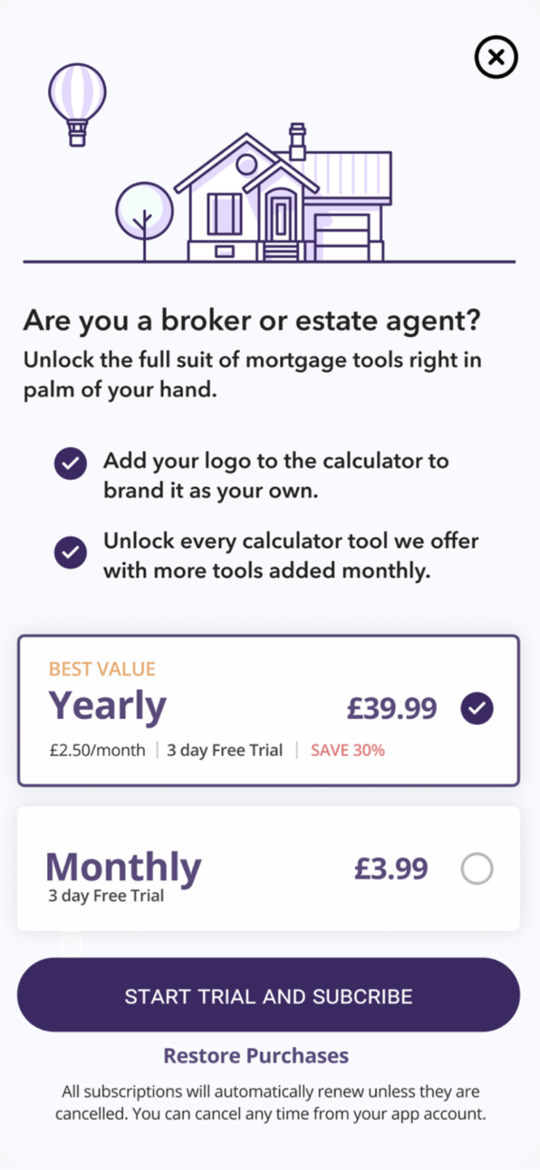
- Paywalls, trials and upgrade prompts
- Working copy for each step

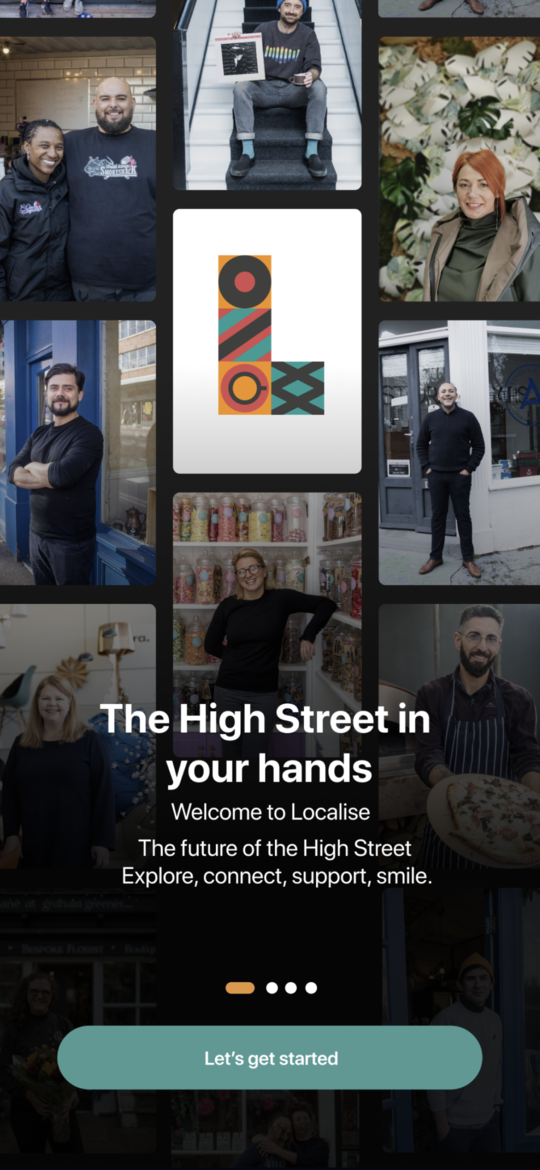
People sign up, land on an empty screen, and leave. UILift redesigns the path from sign-up to the first moment of value (welcome screens, setup, empty states and paywalls) so new users know exactly what to do next.
Too many steps up front: Long forms and permission prompts before users have seen any value.
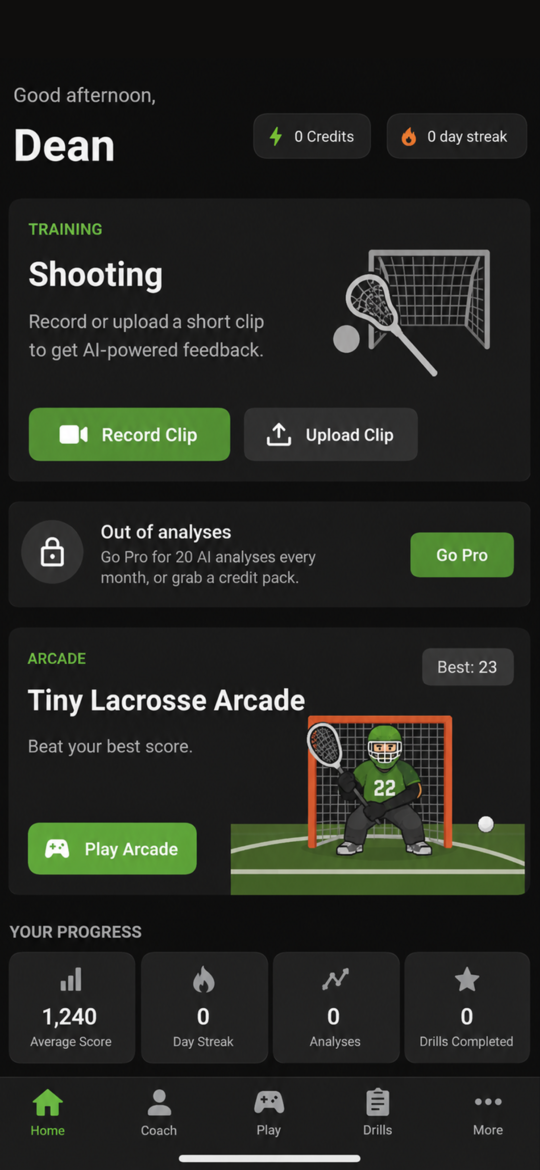
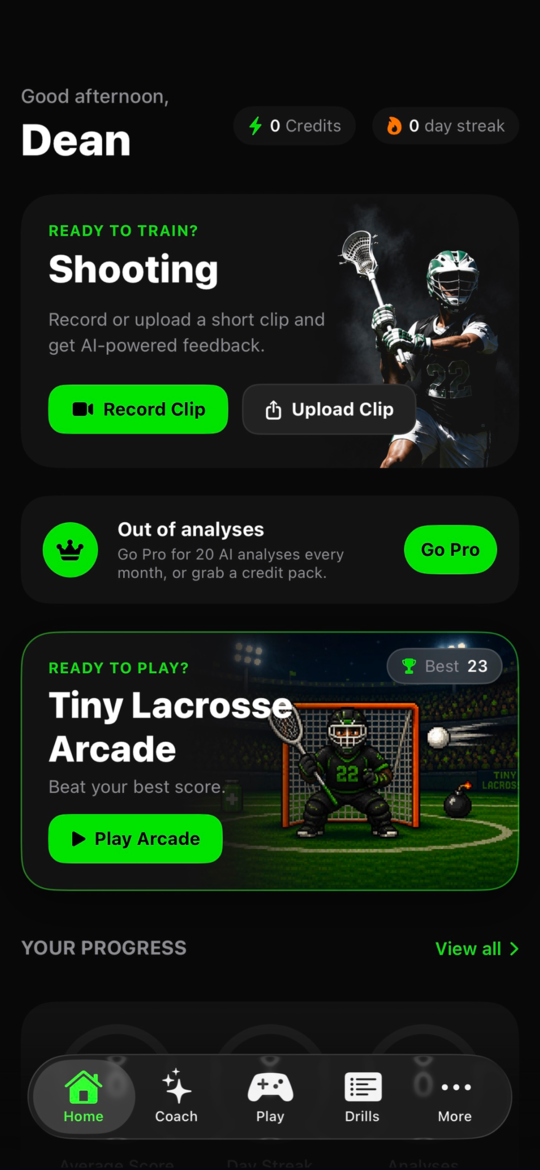
The empty first screen: New accounts land on zeros and blank charts with no guidance.
No clear first action: Several equal buttons and no obvious place to start.
Tours nobody finishes: Tooltip walkthroughs that explain the UI instead of getting a result.
A paywall that feels like a wall: Pricing shown before users understand what they'd be paying for.
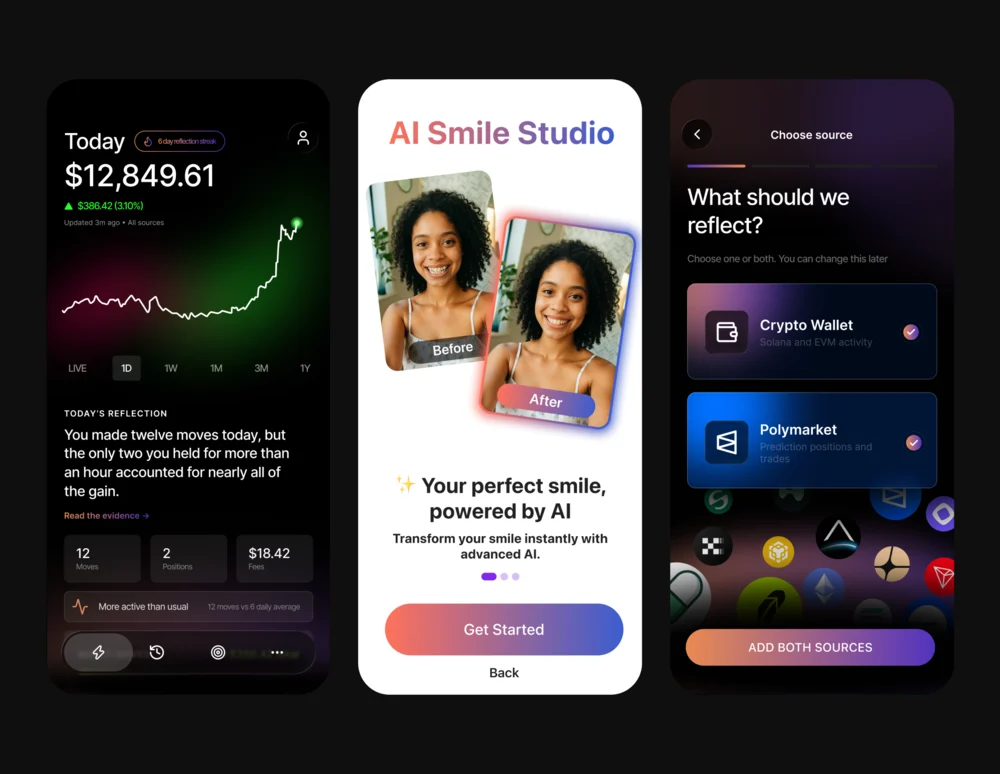
Copy that doesn't motivate: Generic welcome text instead of a reason to keep going.
Design work, delivered in Figma.
You or your AI tool build the flow from the handoff.
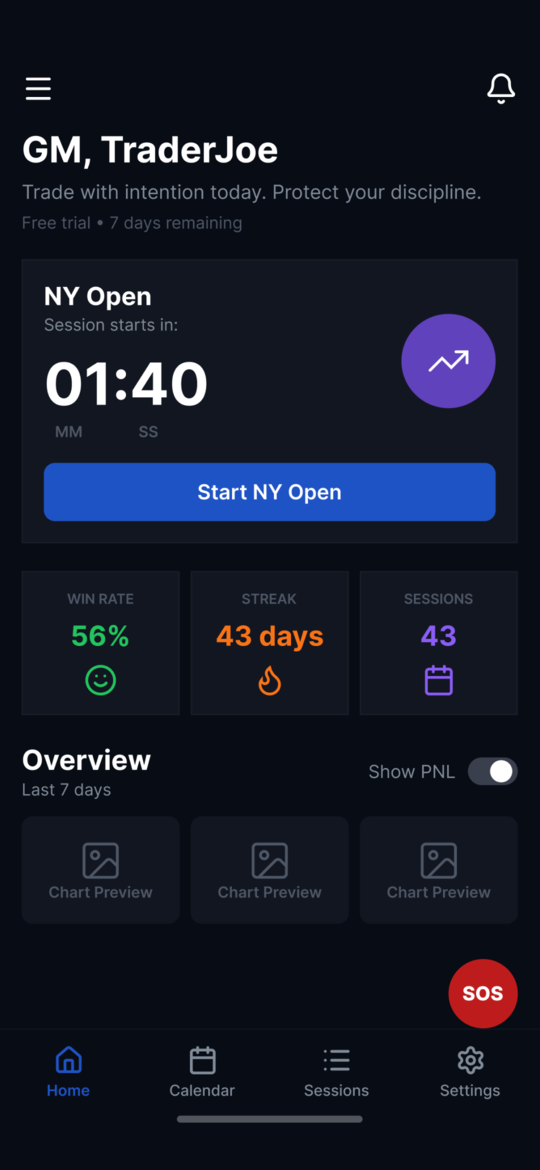
Walk us through your current sign-up, or send screenshots of each step.
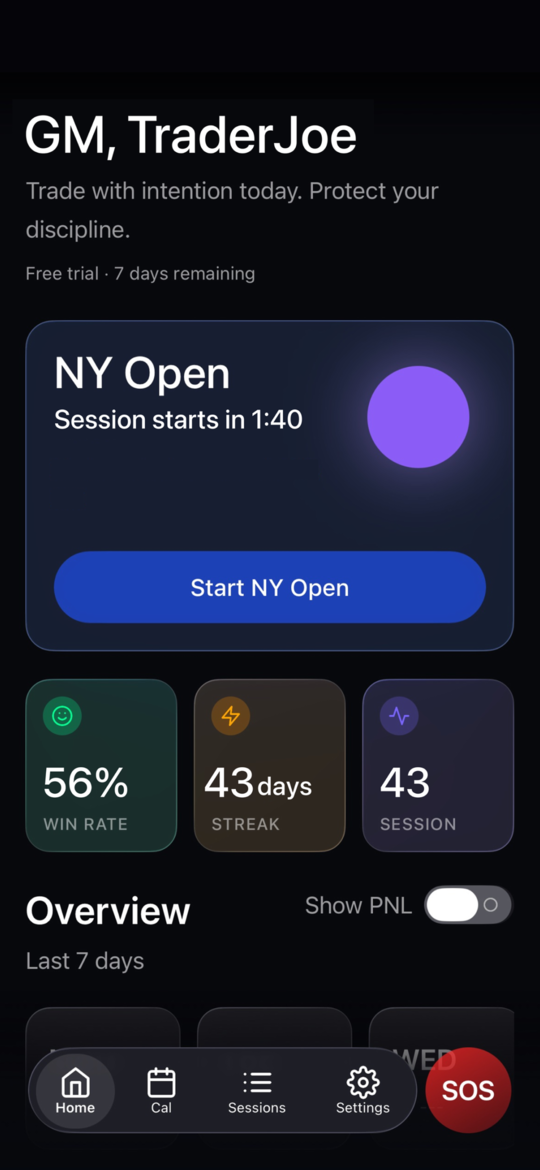
We shorten the path to value and redesign each step around one clear action.
Figma screens and an implementation pack for your team or AI tool.
Shorter path. Faster first win.
The receipts
Flat AI output on the left, the uplift on the right.
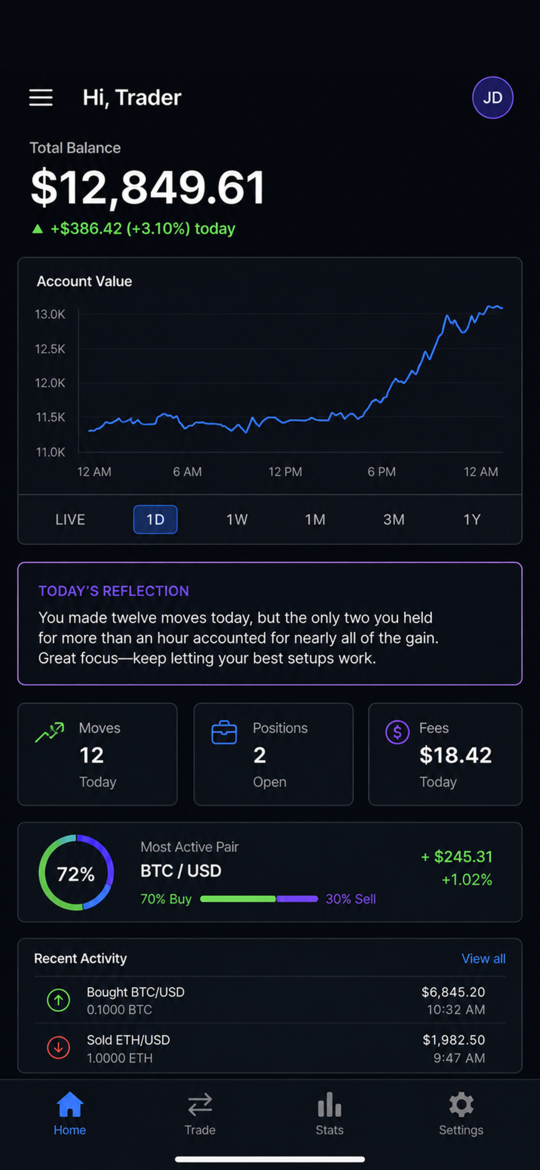 Before
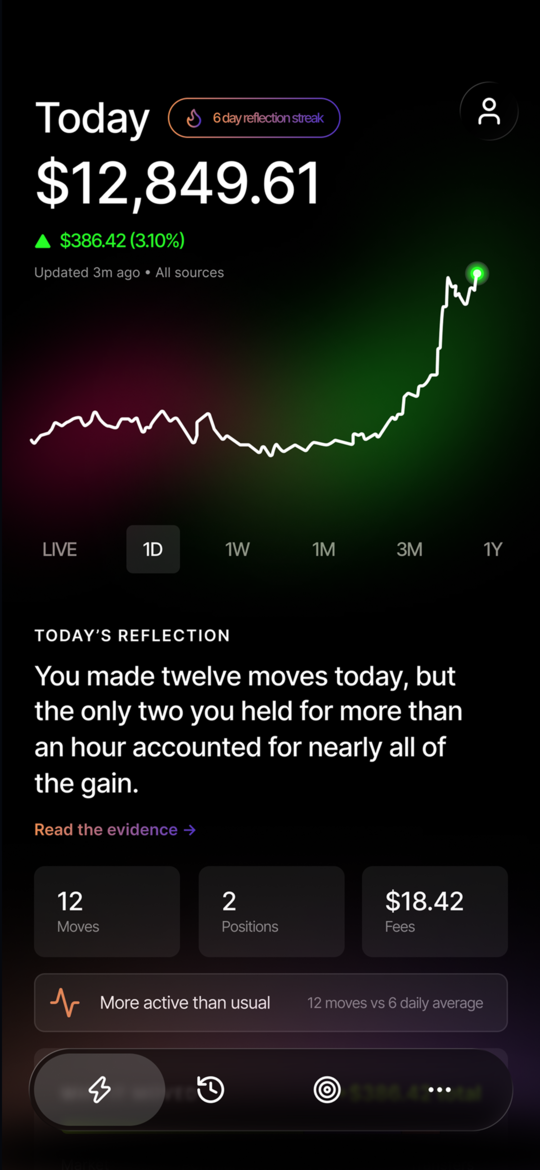 After
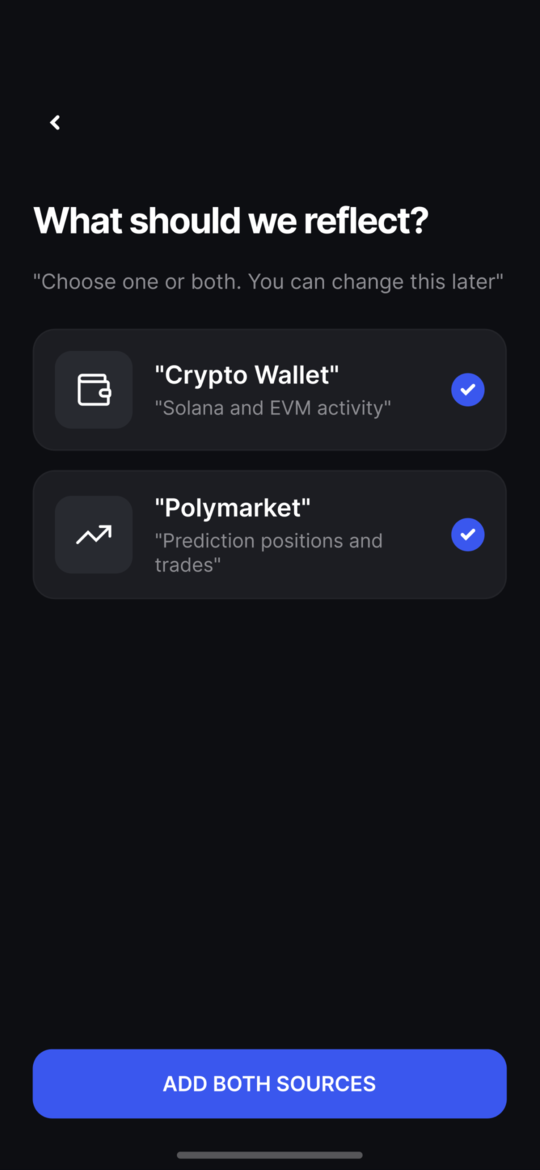 Before
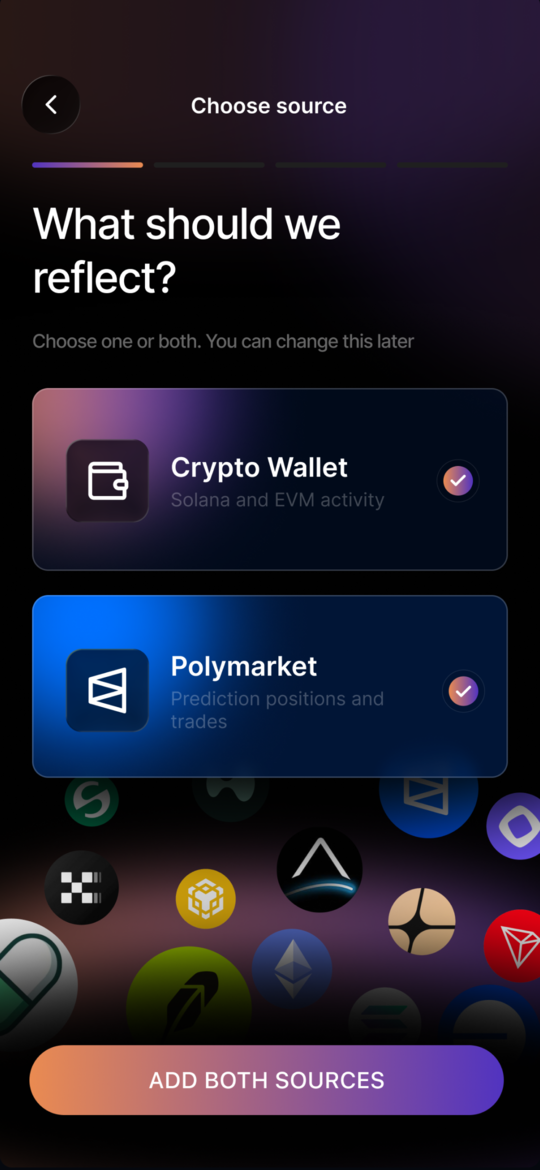 After
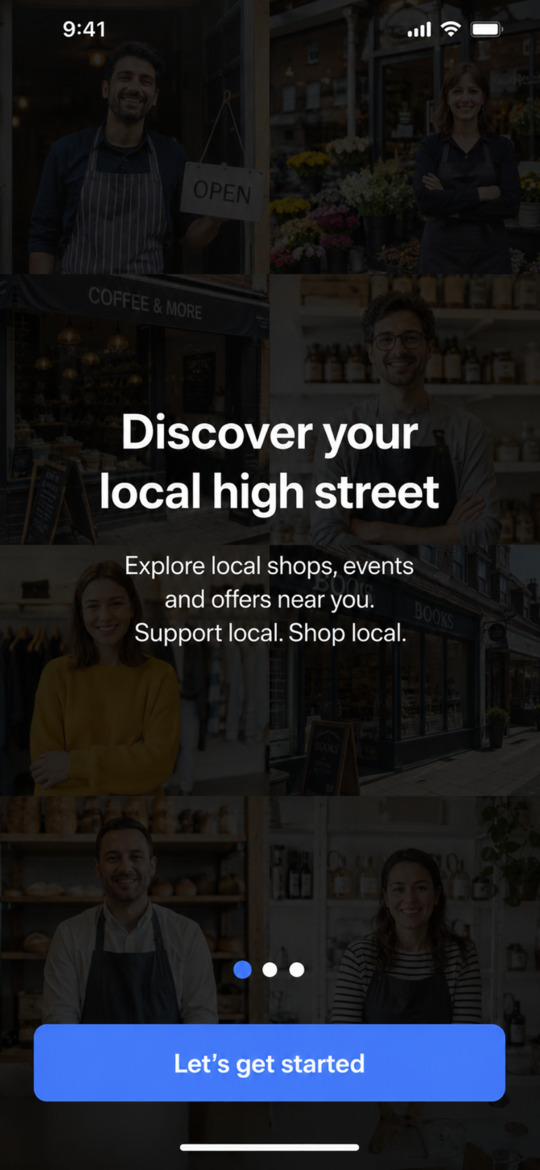 Before
 After
 Before
 After
Same senior designer, same fixed-price handoff.
Fixed price, fixed scope
Most onboarding flows are 4–9 screens.
Human-led UI redesign for app and dashboard screens.
Rush delivery (4 days): +$350.
App / Dashboard pricing
What you get
Need App Store screenshots or ongoing design? See all pricing
Good to know
Straight answers before you send anything over.
Everything from sign-up to the first moment a user gets value: welcome screens, account setup, permissions, the first empty state and any guided steps or checklists.
Usually 4–9 screens, which falls into the $1,249 or $1,749 package. Simple flows can fit in 1–3 screens for $749.
Yes. Paywalls, trial prompts and upgrade screens are often part of the same flow and can be included in the screens in scope.
We write working copy for headlines, buttons and empty states so the flow reads properly. You can refine it to match your voice.
7 days, or 4 days with rush delivery for +$350.